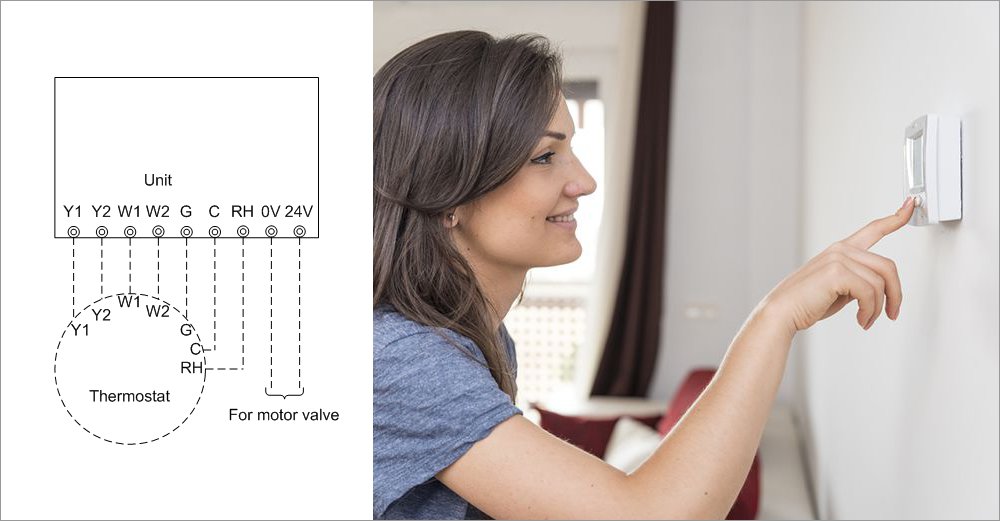
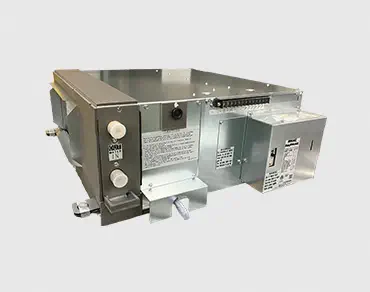
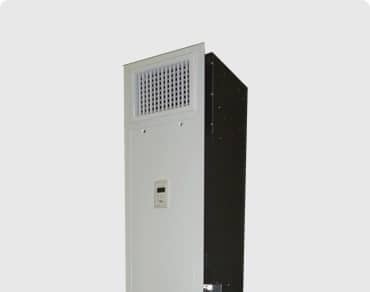
PAFMAC can also be custom made to other thermostat of the control manufacturer.
1. Connection of Thermostat
(Nest, Honeywell, Johnson Controls etc.)
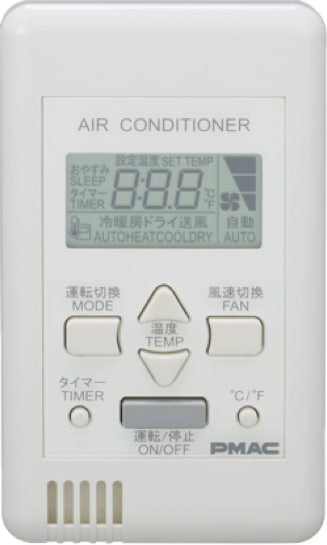
2. PAMAC Thermostat (Remote Controller)
To switch the display language to English
Pressing the “ °C/°F ” button will change the language and temperature settings as follows.
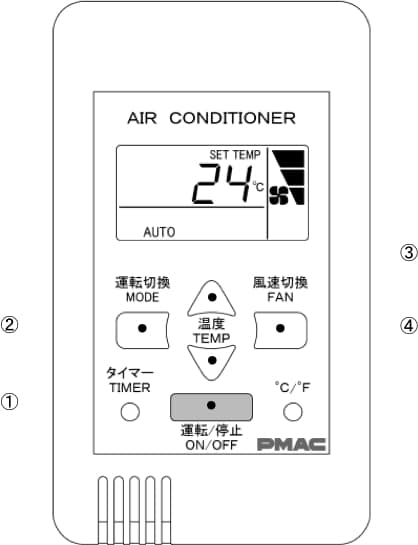
① Press the ON/OFF button to turn the unit on or off.
② Press the MODE button to select: Auto (cooling and heating), Heating, Cooling, Drying or Ventilating (fan only).
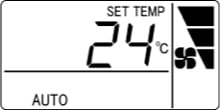
③ Press the TEMP △ or ▽ buttons to select the desired temperature
Upper limit
Lower limit
Cooling and heating (“Auto”)
82℉
62℉
Heating
Cooling
Drying
※You cannot set temperature in the ventilation mode.
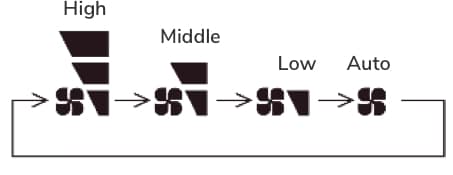
④ Press the FAN button to select desired fan speed. In Auto mode, the fan speed will adjust automatically.
※ The Auto setting does not work when in Ventilation mode.
To stop, press the ON/OFF button again.
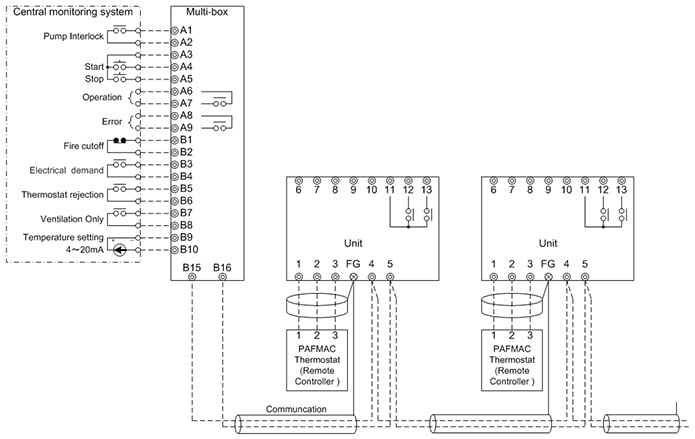
3. Connecting the PAFMAC System to the Unit Terminal Block
Pump Interlock
If the hot/cold water circulation pump is not operating when the PAFMAC unit is started, the unit will operate in Ventilation mode. To initiate normal heating and cooling, there must be an interlock created between the water suspension relay (float switch) in the chilled/hot water pump or the main pipes and the circuit board for all PAFMAC units.
4. Connection of Multi-box
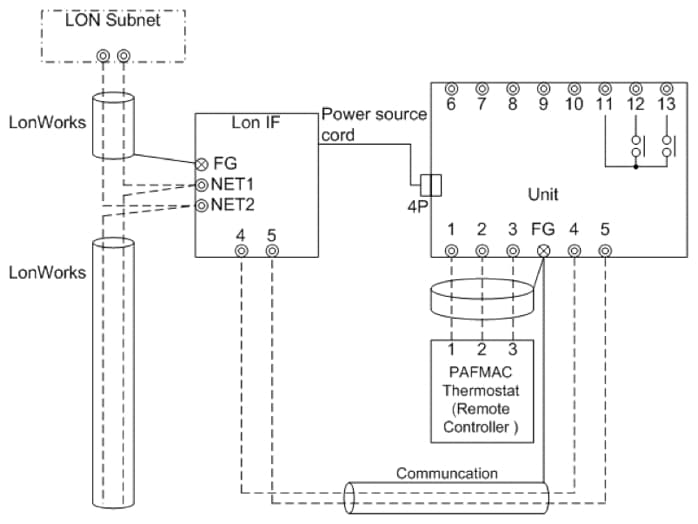
5. LON System
Overview of Functions
1
ON/OFF command
2
ON/OFF status report
3
Temperature setting
4
Temperature setting report
5
Operation mode setting
6
Operation mode status report
7
Airflow rate setting
8
Airflow rate setting report
9
Remote controller rejection
10
Remote controller rejection report
11
Electrical demand
12
Electrical demand report
13
Error status report
14
Pump interlock
15
Pump interlock status report
16
Fire cutoff
17
Error code report
18
Room temperature report
19
Actual operation status report
20
Communication check
21
Communication check report
NOTE:
LONWORKS is a registered trademark of Echelon Corporation.
Nest is a registered trademark of Nest Labs, Inc. and its parent company.
Honeywell is a registered trademark of Honeywell International Inc.
Johnson Controls is registered trademarks of Johnson Controls, Inc. in the United States of America and other
Pump Interlock
If the hot/cold water circulation pump is not operating when the PAFMAC unit is started, the unit will operate in Ventilation mode. To initiate normal heating and cooling, there must be an interlock created between the water suspension relay (float switch) in the chilled/hot water pump or the main pipes and the circuit board for all PAFMAC units.